If you've landed here, you're probably in one of two camps: either Jobber's latest price increase made you spit out your coffee, or you're shopping for field service software and wondering if the big names are really worth it.
Either way, you're asking the right question. Jobber is a solid platform - we're not here to trash talk - but "solid" doesn't mean it's the right fit for every service business. Different tools excel at different things, and finding the right match can mean the difference between software that helps you grow and software that feels like another thing you're fighting against.
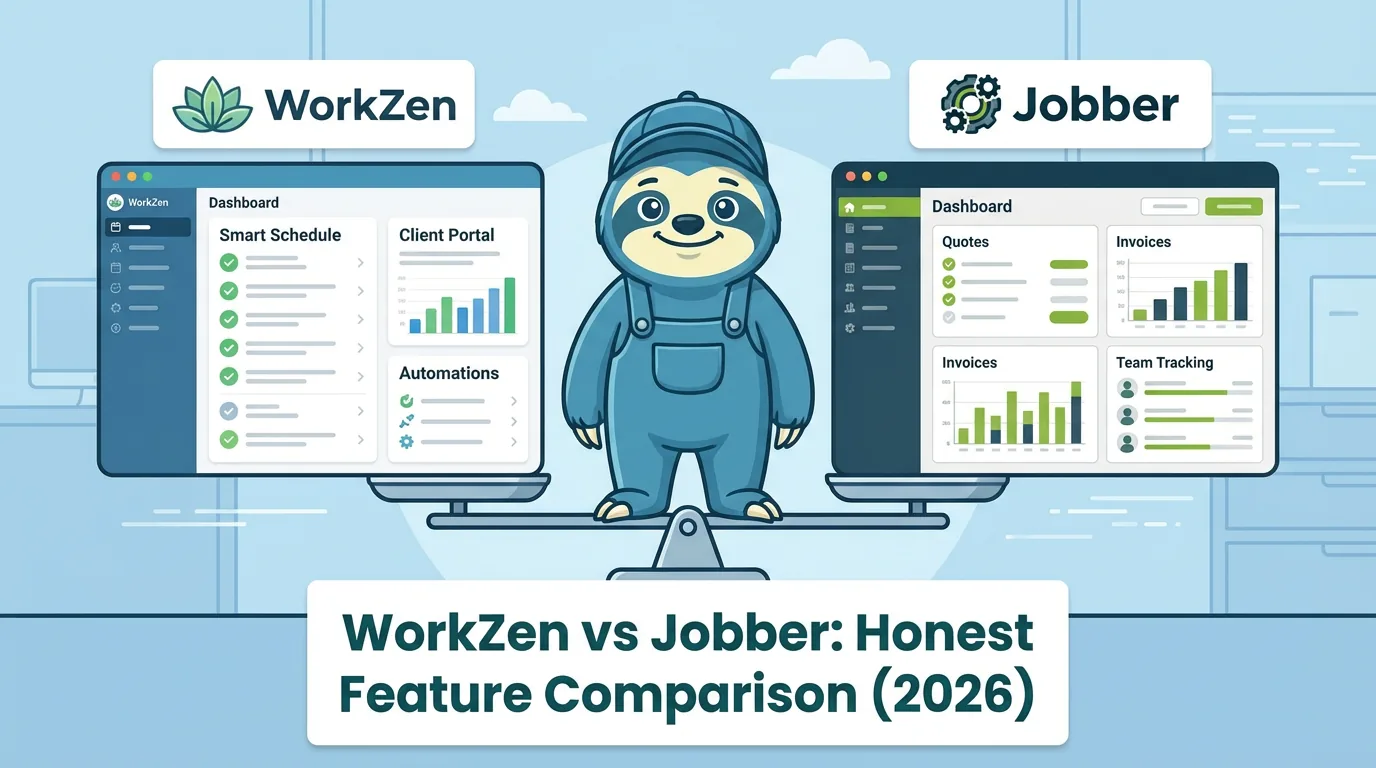
Quick context on what you'd be leaving: as of August 2026, Jobber runs from $49/month (Core, 1 user, billed monthly) to $499/month (Plus, 15 users), with annual billing bringing those down to $24 to $320/month. Extra users are $29/month each, and marketing tools, AI receptionist, and lead pipeline are paid add-ons. We break down every line of it in our Jobber pricing explained guide, and if you want a direct feature face-off, see WorkZen vs Jobber.
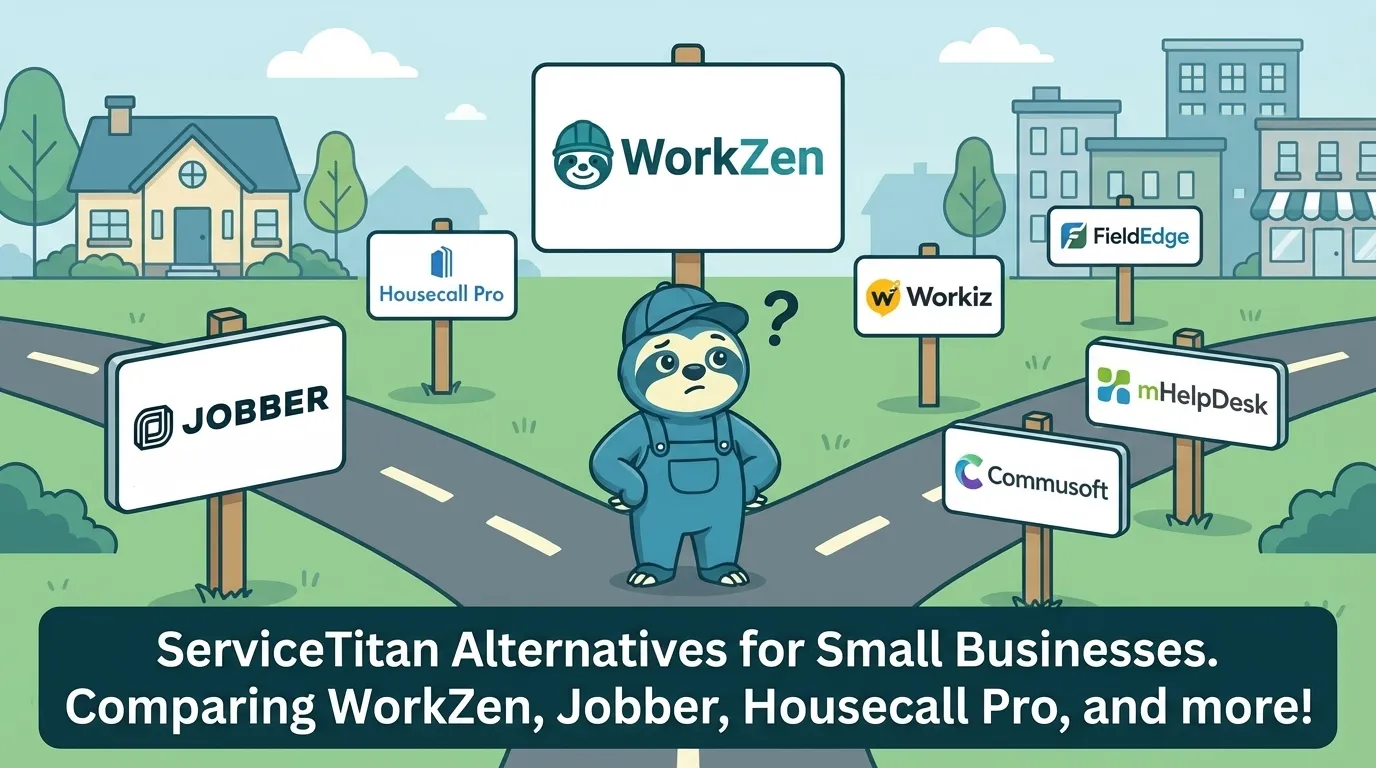
Let's break down the best Jobber alternatives for 2026 (updated August 2026, all prices verified against each vendor's pricing page), including what each does well, where they fall short, and which type of business they're best suited for.
Quick Comparison: Jobber Alternatives at a Glance
Before we dive deep, here's the bird's-eye view:
| Software | Best For | Starting Price (Aug 2026) | Free Plan? | Standout Feature |
|---|---|---|---|---|
| WorkZen | Growing small businesses | Free | Yes | AI receptionist, extensive lead tools |
| Housecall Pro | Established mid-size teams | $59/mo (annual) | No | Marketing automation |
| ServiceTitan | Large operations | Custom ($$$$) | No | Deep industry features |
| Workiz | Multi-channel businesses | Custom quote | No | Call tracking |
| FieldPulse | Commercial contractors | Custom quote | No | Asset management |
| ServiceM8 | Solo operators (iOS) | $29/mo | Yes (30 jobs/mo) | Clean simplicity |
| Kickserv | Budget-conscious teams | $60/mo (5 users) | 30-day trial | QuickBooks integration |
| ServiceFusion | GPS-focused fleets | $208/mo (annual) | No | Unlimited users |
| Tradify | Small trade teams | $47/user/mo | 14-day trial | Trade-focused design |
| Connecteam | Workforce management | $29/mo | Yes (up to 10 users) | Employee scheduling |
Now let's get into the details.
1. WorkZen
Best for: Small to mid-size service businesses looking for maximum value
Look, we're obviously biased here - WorkZen is our product. But we built it specifically because we saw what was missing in the market, so let us make our case.
What WorkZen does well:
- Free-forever plan - Not a 14-day trial. Actually free. You get scheduling, invoicing, client management, and lead collection without paying a dime until you're ready to grow.
- AI Receptionist (ZenPhone) - Answers calls 24/7, books appointments, and captures leads when you're busy on a job. No more missed calls turning into missed revenue.
- Built-in telephony - Business phone lines, SMS, and call handling live inside the platform instead of being a bolt-on integration.
- Lead collection tools - WordPress forms, landing pages, and web widgets that actually work. Most FSM software treats lead capture as an afterthought; we made it a core feature.
- Simple, flat pricing - Three tiers: Free, ZenGrow ($71/month, or $59/month billed annually), and ZenAI ($179/month, or $149/month annually). Flat rates, not per-user, so adding a technician never raises your software bill.
- GPS fleet tracking - Real-time technician locations, route history, and mileage tracking built right in. No need for a separate fleet management tool.
Where it falls short:
- Newer to the market, so fewer third-party integrations than established players (though we're adding them fast)
- Smaller ecosystem and community than 10-year-old incumbents like Jobber
Pricing: Free forever / ZenGrow $71/mo / ZenAI $179/mo (flat rate, USD, as of August 2026; annual billing discounts available)
Verdict: If you want powerful features without the enterprise price tag - especially AI-powered call handling and lead generation - WorkZen punches well above its weight class. See the full WorkZen vs Jobber breakdown.
2. Housecall Pro
Best for: Established service businesses ready to invest in marketing automation
Housecall Pro is probably the most direct Jobber competitor. Similar feature set, similar market, similar vibes. They've been around since 2013 and have built a mature, polished platform.
What Housecall Pro does well:
- Marketing tools - Postcard campaigns, review management, and automated follow-ups. If client re-engagement is your priority, this is their sweet spot.
- Instapay - Get paid faster with same-day deposits (for a fee)
- Consumer financing - Offer payment plans to clients through Wisetack integration
- Mature mobile app - Years of refinement show in the user experience
Where it falls short:
- Pricing increases have frustrated long-time users
- Phone features cost extra
- Feature gating between tiers can get annoying
Pricing: As of August 2026: Basic $79/mo ($59/mo billed annually, 1 user), Essentials $189/mo ($149/mo annually), MAX $329/mo ($299/mo annually)
Verdict: A capable all-rounder with strong marketing features. Good choice if you have budget and want marketing automation built-in.
3. ServiceTitan
Best for: Large operations with 20+ technicians and enterprise budgets
ServiceTitan is the 800-pound gorilla of field service software. They target the big players - multi-location operations, franchise networks, companies doing $1M+ in annual revenue.
What ServiceTitan does well:
- Depth of features - Pricebook management, membership programs, warehouse inventory, call booking integration - if you can think of it, they probably have it
- Industry-specific versions - HVAC, plumbing, electrical, garage door, and more, each with specialized features
- Reporting and analytics - Enterprise-grade insights into every aspect of your operation
- Integrations - Deep integrations with accounting, marketing, and industry tools
Where it falls short:
- Price - We're talking $4,000-$10,000+ per month. Seriously.
- Complexity - You'll need dedicated training time. This isn't install-and-go software.
- Contract requirements - Long-term commitments are typically required
- Overkill for most - If you have fewer than 15 technicians, you're probably paying for features you'll never use
Pricing: Custom quotes only, typically starting at several thousand per month
Verdict: The Cadillac of FSM software. If you're a large operation with complex needs and a matching budget, ServiceTitan delivers. For everyone else, it's likely overkill.
4. Workiz
Best for: Multi-channel service businesses with high call volume
Workiz has carved out a niche with their communication features. If your business lives and dies by the phone, they're worth a look.
What Workiz does well:
- Call masking and tracking - Get local numbers, track call sources, record calls for training
- Multi-channel communication - SMS, phone, email all in one place
- Inventory management - Track parts and equipment
- Franchise tools - Good for multi-location setups
Where it falls short:
- Interface can feel cluttered
- Phone features that make Workiz special are paid add-ons on top of the plans
- No public pricing anymore: as of August 2026 all three tiers (Standard, Pro, Ultimate) are "request pricing" only, and the old free Lite plan has been discontinued
- Customer support has mixed reviews
Pricing: Custom quotes only as of August 2026. Third-party sources report paid plans in roughly the $200 to $350/month range, with extra users around $46 to $65/user/month depending on plan and billing; confirm directly with Workiz
Verdict: Strong choice if phone communication and call tracking are priorities. Less compelling if you don't need those specific features.
5. FieldPulse
Best for: Commercial contractors and businesses managing assets
FieldPulse has been growing steadily by focusing on commercial and industrial service companies - the ones dealing with asset tracking, maintenance contracts, and complex job costing.
What FieldPulse does well:
- Asset management - Track equipment at client sites, manage maintenance schedules, and log service history
- Project management - Better project-based workflows than most FSM tools
- Custom forms - Build the checklists and forms you actually need
- Job costing - Track profitability at the job level
Where it falls short:
- No public pricing: as of August 2026 all tiers (Essentials, Professional, Enterprise) are quote-only, priced per seat
- Steeper learning curve than simpler alternatives
- Mobile app occasionally glitchy
Pricing: Custom quotes only as of August 2026 (seat-based, with full-access and field-only seats)
Verdict: Excellent for commercial contractors, HVAC maintenance companies, and anyone tracking lots of equipment. Less ideal for simple residential service businesses.
6. ServiceM8
Best for: Solo operators and small teams on iOS
ServiceM8 is the minimalist's choice. It's iOS-only (sorry Android users), but for iPhone and iPad users who want clean, simple software, it's a breath of fresh air.
What ServiceM8 does well:
- Simplicity - Does the basics really well without overwhelming you with features you won't use
- Pricing - A genuinely free tier for solo operators (1 user, 30 jobs/month), with paid plans from $29/month including unlimited users
- Automatic job logging - Records when you arrive, start work, and leave automatically
- Great for trades - Built with Australian trades in mind, which translates well globally
Where it falls short:
- iOS only - if your team has Android phones, this is a non-starter
- Limited automation compared to larger platforms
- Fewer integrations
Pricing: As of August 2026: Free (1 user, 30 jobs/mo), Starter $29/mo (50 jobs), Growing $79/mo (150 jobs), Premium $149/mo (500 jobs); paid plans include unlimited users, priced by job volume
Verdict: If you're a solo operator or very small team on iOS who wants software that stays out of your way, ServiceM8 is hard to beat. Just make sure you don't need Android support.
7. Kickserv
Best for: Budget-conscious businesses who love QuickBooks
Kickserv has been around since 2009 and has maintained a loyal following among businesses that want solid basics at reasonable prices.
What Kickserv does well:
- QuickBooks integration - Deep, reliable sync with QuickBooks Online and Desktop
- Customer portal - Clients can view history, approve estimates, and pay invoices
- Reasonable pricing - Middle-of-the-road pricing with no huge jumps between tiers
- Campaign tools - Built-in email marketing features
Where it falls short:
- Interface feels dated compared to newer competitors
- Mobile app needs work
- Feature development has slowed compared to hungrier competitors
Pricing: As of August 2026: Start $60/mo (5 users), Run $119/mo (10 users), Scale $199/mo (20 users); save 20% with annual billing, 30-day free trial
Verdict: A reliable workhorse for businesses whose priority is QuickBooks integration and basic FSM features. Not the flashiest, but gets the job done.
8. ServiceFusion
Best for: Businesses with fleets who need GPS tracking
ServiceFusion combines FSM with fleet management - if you're running multiple trucks and vehicle tracking is critical, they've built features specifically for you.
What ServiceFusion does well:
- GPS fleet tracking - Real-time vehicle location, route history, and driving behavior monitoring
- Flat-rate pricing - Unlimited users on all plans (a rarity in this space)
- FusionPay - Integrated payment processing with competitive rates
- All-in-one approach - Scheduling, dispatching, invoicing, and fleet management in one platform
Where it falls short:
- Higher base price
- Complexity may be unnecessary if you don't need fleet features
- Implementation can be involved
Pricing: As of August 2026: Starter $208/mo, Plus $325/mo, Pro $533/mo billed annually ($245/$382/$627 month-to-month), all with unlimited users
Verdict: The unlimited user pricing makes this compelling for larger teams. If you need GPS tracking, this is one of the better options. If you don't, you're paying for features you won't use.
9. Tradify
Best for: Small trade teams who want trade-specific design
Tradify comes from New Zealand and has built a following among trades (electricians, plumbers, HVAC) who appreciate software designed by people who understand their world.
What Tradify does well:
- Trade-focused design - Features and terminology that make sense for electricians, plumbers, and HVAC techs
- Clean interface - Modern, intuitive design
- Simple quoting - Fast estimate creation with markup tools
- Mobile-first - Built for the field from the start
Where it falls short:
- Per-user pricing can add up for teams
- Limited integrations outside their core ecosystem
- Less mature in North American market
Pricing: As of August 2026: Lite $47, Pro $51, Plus $61 per user/month (USD), 14-day free trial
Verdict: A good option for small trade teams who want software that speaks their language. The per-user pricing means it can get expensive for larger teams.
10. Connecteam
Best for: Workforce management first, service management second
Connecteam is a bit of a different beast - it's primarily workforce management software that happens to have some FSM-like features. If your biggest challenges are team communication and employee management, this is worth considering.
What Connecteam does well:
- Time tracking - Clock in/out with GPS, break tracking, overtime management
- Team communication - Built-in chat, updates, and announcements
- Training tools - Onboard and train employees through the platform
- Free for small teams - Genuinely free for up to 10 users
Where it falls short:
- Not built for FSM specifically - lacks deep scheduling, dispatching, and invoicing features
- You might need a second tool for actual job management
- Pricing is per hub (Operations, Communications, HR), so full functionality means paying for more than one
Pricing: As of August 2026: free for up to 10 users; paid plans from $29/month per hub for the first 30 users (18% discount on annual billing)
Verdict: More workforce management than field service management. Consider it if employee scheduling and communication are your primary needs and you can supplement with other tools.
How to Choose the Right Jobber Alternative
Here's the framework we'd use to make this decision:
Start with your budget (prices as of August 2026)
- Free: WorkZen, ServiceM8 (solo, 30 jobs/mo), Connecteam (up to 10 users)
- Under $60/mo: ServiceM8 paid plans, Tradify (per user), Jobber Core on annual billing, Housecall Pro Basic on annual billing
- $60-$150/mo: WorkZen ZenGrow, Kickserv, Jobber Connect (annual)
- $150+/mo or custom quotes: WorkZen ZenAI, ServiceFusion, Workiz, FieldPulse, ServiceTitan
Then consider your needs
- AI and automation: WorkZen (AI receptionist), Housecall Pro (marketing automation)
- Phone features: Workiz, WorkZen
- Fleet/GPS tracking: WorkZen, ServiceFusion
- Commercial/asset management: FieldPulse
- Pure simplicity: ServiceM8
- Enterprise scale: ServiceTitan
Don't forget the intangibles
- How's their customer support? Read recent reviews.
- How often do they ship updates? Check their changelog.
- Will they still be around in 5 years? Look at their funding and trajectory.
The Bottom Line
Jobber built a good product, but "good" doesn't mean "best for everyone." The right field service software depends on your size, budget, industry, and specific pain points.
If we had to make general recommendations:
- Just starting out with limited budget: WorkZen (free plan)
- Solo operator on iOS: WorkZen, ServiceM8
- Growing residential service business: WorkZen or Housecall Pro
- Commercial/industrial with asset tracking: FieldPulse
- Large operation with money to spend: ServiceTitan
- Phone-heavy business: Workiz or WorkZen (AI receptionist)
The best way to choose? Try a few. Most offer free trials or demos. Take notes on what feels intuitive, what frustrates you, and what features you actually use versus what looks cool in a demo. And before you decide anything, know the full cost of staying put: our Jobber pricing explained guide covers the seats, add-ons, and processing fees that don't show up on the plan cards.
And if you want to start with something that won't cost you a dime while you figure it out, well, we have a suggestion.
Try WorkZen Free - No Credit Card Required →
WorkZen is field service management software built for trades that want to grow without the growing pains. Start free, scale when ready.
Frequently Asked Questions
Ready to transform your field service business?
Start using WorkZen today. It's free to get started!