5 AI Tools Every Solo Contractor Should Try
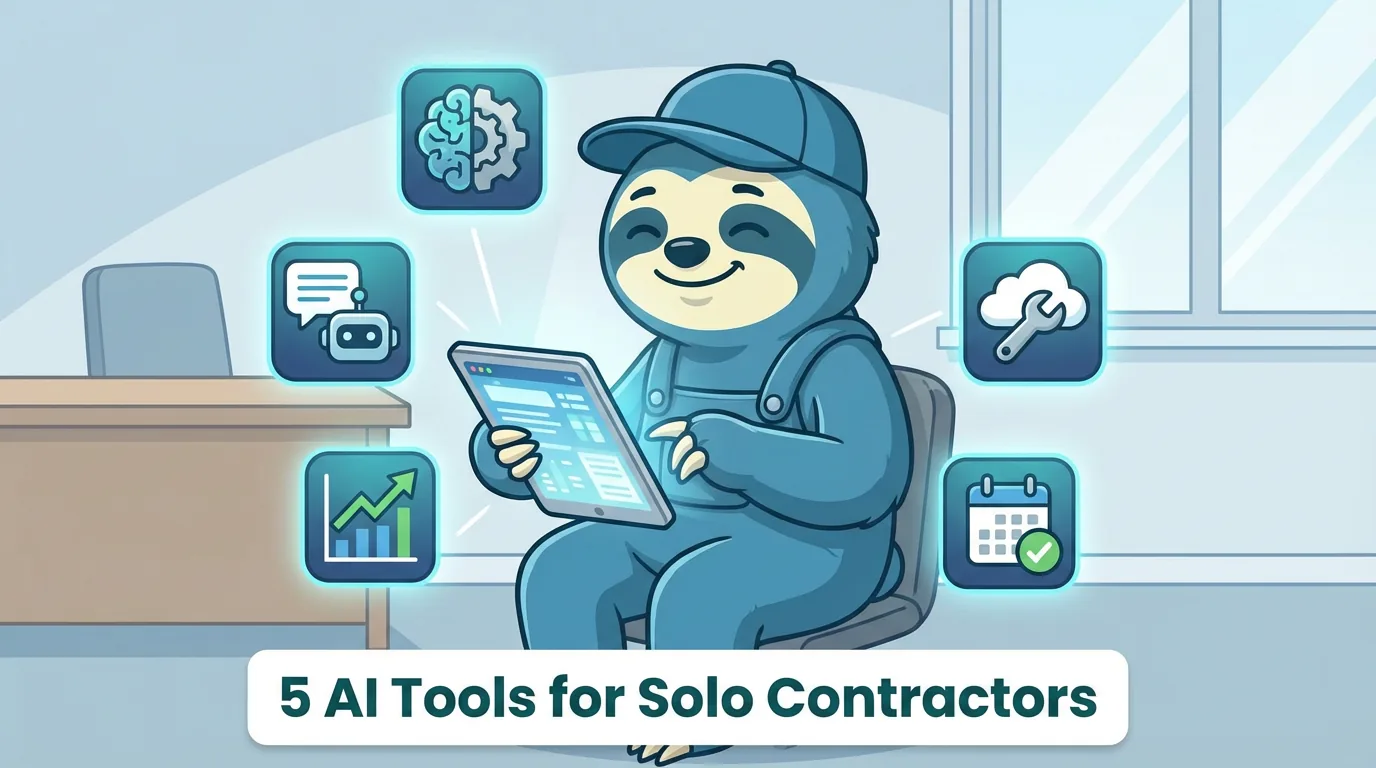
Running a contracting business solo means you are the estimator, the technician, the bookkeeper, the marketing department, and the receptionist. That workload is not sustainable without leverage, and in 2026, the most accessible leverage available is AI. Not the overhyped "AI will replace everyone" variety - the practical kind that saves you 45 minutes of writing every morning or catches phone calls while you are up on a ladder.
The five tools covered here are not theoretical. Each one addresses a specific bottleneck that solo contractors hit daily - the estimate that takes 20 minutes to write, the missed call from a potential client, the receipt pile that grows until tax season panic sets in. Some of these tools cost money, some are free, and all of them have limitations worth knowing about upfront.
| Tool | Primary Use | Monthly Cost | Learning Curve |
|---|---|---|---|
| AI Writing Assistant (ChatGPT/Claude) | Estimates, emails, scope of work | $0 - $20 | Low |
| AI Phone Answering (Smith.ai, Goodcall) | Missed call capture, lead intake | $30 - $100 | Low - setup only |
| AI Bookkeeping (QuickBooks, FreshBooks) | Expense categorization, receipts | $22 - $35 | Moderate |
| AI Image Tools (Canva) | Before/after photos, social media | $0 - $16 | Low |
| AI Scheduling (Reclaim.ai, Motion) | Route and calendar optimization | $0 - $19 | Moderate |
Tool 1 - AI Writing Assistants for Estimates and Client Communication
The single highest-impact AI tool for any solo contractor is a general-purpose writing assistant like ChatGPT or Claude. These platforms handle the writing tasks that eat up your mornings - estimate descriptions, follow-up emails, review responses, and scope of work documents.
A realistic use case: you finish a site visit for a deck rebuild and need to send the client a detailed estimate by end of day. Instead of staring at a blank screen for 15 minutes trying to sound professional, you open your AI assistant and type something like "Write an estimate description for tearing out a 12x16 pressure-treated deck, installing new footings, and building a composite deck with aluminum railing. Include a note about permit requirements." In 30 seconds, you have a polished draft that needs minor edits for your specific pricing and timeline.
The time savings are real and measurable. Most contractors report saving 30 to 60 minutes per day on writing tasks once they get comfortable with prompting. At a billing rate of $75 to $150 per hour, that translates to $37 to $75 in recovered productive time daily - from a tool that costs $0 to $20 per month. 🤖
The learning curve is minimal. If you can describe a job to a homeowner, you can describe it to an AI assistant. The key skill is being specific in your prompts - instead of "write me an estimate," say "write an estimate description for [specific scope] in a professional but friendly tone." The more context you provide, the less editing you need to do afterward.
Where it still needs a human: pricing accuracy, local code requirements, liability language in your terms and conditions, and anything that requires site-specific judgment. The AI does not know your material costs, your local permit process, or the quirks of the specific property. It writes the words - you verify the facts.
Tool 2 - AI-Powered Phone Answering Services
Missed calls are the silent revenue killer for solo contractors. You are on a roof, under a sink, or in the middle of a wiring job when the phone rings. By the time you call back, that potential client has already called the next contractor on their list. AI phone answering services solve this problem by picking up every call, having a natural-sounding conversation, and capturing the lead information you need.
Services like Smith.ai, Ruby, and newer AI-native options like Goodcall and Rosie use conversational AI to answer calls in your business name, ask qualifying questions, capture contact details, and either book appointments directly or send you a summary to follow up. The better services can handle basic questions about your services, pricing ranges, and availability.
| Service | AI-Native | Approx. Cost/Month | Calendar Integration | Best For |
|---|---|---|---|---|
| Smith.ai | Partial (hybrid) | $30 - $100+ | Yes | Higher call volume |
| Ruby | No (live agents) | $150+ | Limited | White-glove feel |
| Goodcall | Yes | $30 - $50 | Yes | Solo/small operators |
| Rosie | Yes | $30 - $49 | Yes | Trades and home services |
The cost ranges from $30 to $100 per month depending on call volume and features. For a solo contractor getting 10 to 20 calls per week, a basic plan around $30 to $50 per month covers it. Consider that even one captured lead per month that would have otherwise gone to a competitor more than pays for the service - a single HVAC repair call is worth $200 to $500, and a renovation lead could be worth thousands. 📈
Setup takes about an hour. You provide your business name, services offered, service area, basic pricing guidance, and your preferred scheduling availability. Most services integrate with Google Calendar so the AI can check your actual availability before offering appointment times.
The limitation is nuance. AI phone answering handles straightforward inquiries well - "Do you do furnace repairs? What area do you serve? Can I book for Tuesday?" But it struggles with complex technical questions, emotional callers dealing with an emergency, or highly specific situations that require trade knowledge. For those calls, the AI should be taking a message and flagging it as urgent for your personal callback.
Tool 3 - AI Bookkeeping and Expense Tracking
Solo contractors are notoriously bad at bookkeeping - not because they are careless, but because categorizing expenses and reconciling accounts is the last thing anyone wants to do after a 10-hour day in the field. AI-powered bookkeeping tools make this significantly less painful.
QuickBooks Online and FreshBooks both now include AI features that automatically categorize transactions, match receipts to expenses, and flag potential issues. QuickBooks' AI categorization learns from your corrections over time, so it gets more accurate the longer you use it. After a few months of training, it correctly categorizes about 85 to 90 percent of transactions - fuel, materials, tool purchases, insurance payments - without any input from you.
| Platform | Entry Plan (CAD/month) | AI Categorization | Receipt Capture | Best For |
|---|---|---|---|---|
| QuickBooks Simple Start | ~$35 | Yes - learns over time | Yes | Established businesses |
| FreshBooks | ~$22 | Yes | Yes | Freelancers and solos |
| Wave | Free | Basic | Yes | Just getting started |
The practical workflow looks like this: you snap a photo of every receipt with your phone throughout the day. The app extracts the vendor, amount, and date using OCR, then matches it to the corresponding bank transaction and suggests a category. At the end of the week, you spend 10 minutes reviewing the AI's categorization instead of an hour doing manual data entry. At tax time, your records are already organized instead of being a shoebox of crumpled receipts. ✅
Cost varies by platform. QuickBooks Simple Start runs about $35 per month (CAD) and includes AI categorization. FreshBooks starts around $22 per month (CAD) for their basic plan. If you are already paying for accounting software, the AI features may already be included in your current subscription.
The learning curve is moderate. Setting up your chart of accounts correctly at the start matters - garbage categories in means garbage categorization out. Spend an afternoon setting up proper expense categories for your trade (materials, fuel, tools, insurance, vehicle expenses, subcontractor payments) and the AI will do a much better job from day one.
Where it still needs a human: tax strategy, complex deductions, HST/GST filing, and anything involving CRA compliance. AI categorization keeps your books organized, but you still need an accountant for annual filing and tax planning. The AI makes your accountant's job faster and cheaper, not unnecessary.
Tool 4 - AI Image Tools for Marketing
Before-and-after photos are the most powerful marketing content a contractor can create, and AI image tools help you turn phone photos into professional-looking marketing assets without hiring a graphic designer.
Canva's AI features are the most accessible option for contractors. The platform includes AI background removal, image enhancement, automatic layout suggestions, and text overlay tools. You upload your job site photo, and Canva can clean up the background, adjust lighting, add your logo and contact info, and format it for Instagram, Facebook, or Google Business Profile - all in about five minutes.
A specific workflow that works well: take a "before" photo when you arrive at a job and an "after" photo when you finish. Upload both to Canva, use their side-by-side template, add a brief description of the work, and post it. This kind of content consistently outperforms generic stock photos and sales pitches on social media because it shows real work done for real clients. 🎯
The cost is reasonable. Canva's free tier includes basic AI features. Canva Pro at about $16 per month (CAD) unlocks the full AI toolkit including background removal, Magic Eraser for removing clutter from photos, and brand kit features that keep your colors and logo consistent across all posts.
The learning curve is low for basic tasks. Creating a simple before-and-after post takes about 10 minutes even if you have never used the tool before. More complex designs - flyers, vehicle wrap mockups, business cards - take longer to learn but are still manageable without design experience.
Where it still needs a human: professional photography for your website hero images, complex branding work, and anything that needs to look like it cost more than $16 per month. AI image tools are great for social media and quick marketing content, but for your main website and major print materials, professional photography and design still make a difference.
Tool 5 - AI Scheduling Assistants
Scheduling is deceptively time-consuming for solo contractors. You are not just picking time slots - you are juggling drive times between jobs, material pickup windows, inspection schedules, and the unpredictable reality that jobs almost always take longer than estimated. AI scheduling tools help manage this complexity.
Tools like Reclaim.ai and Motion use AI to optimize your calendar based on priorities, travel time, and task duration estimates. You input your jobs with estimated durations and locations, and the AI arranges your schedule to minimize driving time and maximize billable hours. When a job runs long or a client reschedules, the AI automatically reshuffles your remaining appointments.
A practical example: you have four jobs scheduled across town on a Tuesday. An AI scheduler analyzes the addresses, estimates drive times, and reorders the sequence so you drive in a logical route instead of crisscrossing the city. That route optimization alone can save 30 to 60 minutes of driving per day, which adds up to 2.5 to 5 hours per week of recovered time. 🚀
Cost ranges from free to about $15 per month. Reclaim.ai has a solid free tier that handles basic calendar optimization. Motion costs about $12 to $19 per month and offers more robust project management features alongside scheduling. For a solo contractor, the free tier of Reclaim.ai is a good starting point.
The learning curve is moderate. These tools work best when connected to your Google Calendar or Outlook, and they need accurate time estimates to optimize effectively. If you consistently underestimate job durations - and most contractors do - the AI will create schedules that are technically optimized but practically impossible. Be honest with your time estimates and the tool works much better.
Where it still needs a human: client relationship judgment. The AI does not know that Mrs. Johnson is flexible and Mr. Patterson gets upset if you are five minutes late. It does not know that the permit office closes at 3:30 or that your preferred supplier has a lunch rush you want to avoid. You still need to review and occasionally override the AI's suggestions based on knowledge only you have.
The Honest Truth About AI Limitations
None of these tools are magic. They are productivity multipliers that work best when you understand what they can and cannot do. AI writing assistants produce drafts, not finished products - you still need to review everything before it goes to a client. AI bookkeeping gets the categorization right most of the time, but "most of the time" is not good enough for CRA compliance without human review. AI phone answering captures leads, but it cannot replace the trust that builds when a client talks to the actual person who will be doing the work.
The contractors getting the most value from AI are the ones who treat these tools as assistants, not replacements. They use AI to handle the repetitive, time-consuming parts of the job so they can focus on the skilled work and client relationships that actually grow their business. Start with one tool, get comfortable with it, prove the ROI to yourself, and then add the next one. That approach beats signing up for everything at once and abandoning all of it by month two.
Getting Started Without Overwhelm
If you are going to try one tool from this list, start with an AI writing assistant. It is free, requires zero setup, and the time savings are immediate and obvious. Open ChatGPT or Claude, type in a description of your next estimate, and see what comes out. If the output saves you even 10 minutes, you have found your first AI productivity win.
From there, look at your biggest daily frustration. If it is missed calls, try an AI phone answering service. If it is bookkeeping dread, explore the AI features in your accounting software. If it is wanting better marketing content but not having the time or design skills, try Canva. Build your AI toolkit one tool at a time, based on actual pain points rather than hype. The goal is not to use the most AI - it is to use the right AI to get more done in fewer hours.
Frequently Asked Questions
Ready to transform your field service business?
Start using WorkZen today. It's free to get started!